7. Mobile application
There is the short guide how to control the system using the mobile device.
To gain mobile control, you need to install the mobile application.
Download link https://www.dropbox.com/s/9bj18y52phz1r96/cordova_project-armv7.android.20170328215023.apk?dl=0
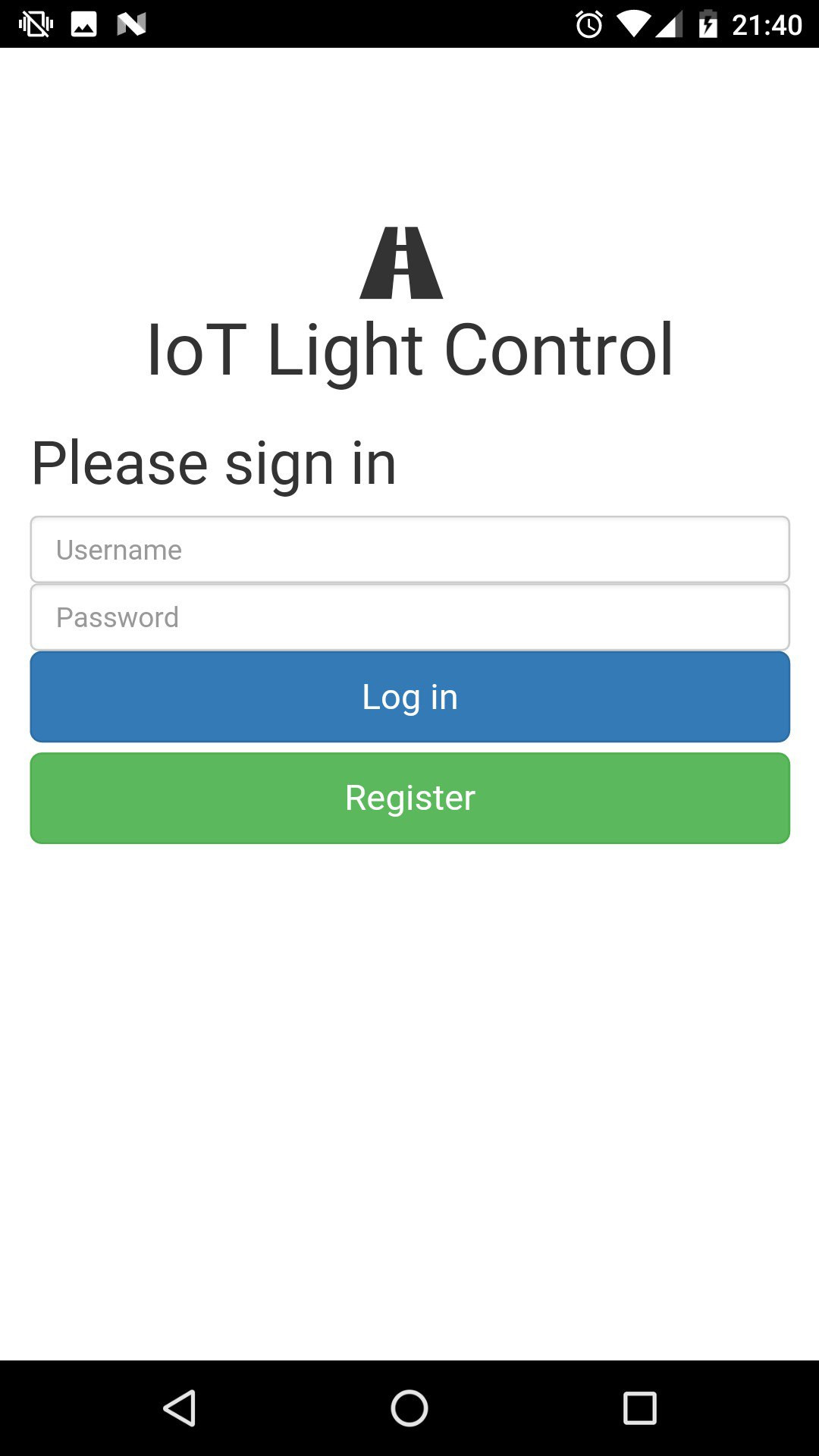
Firstly, you will need to register in the application.
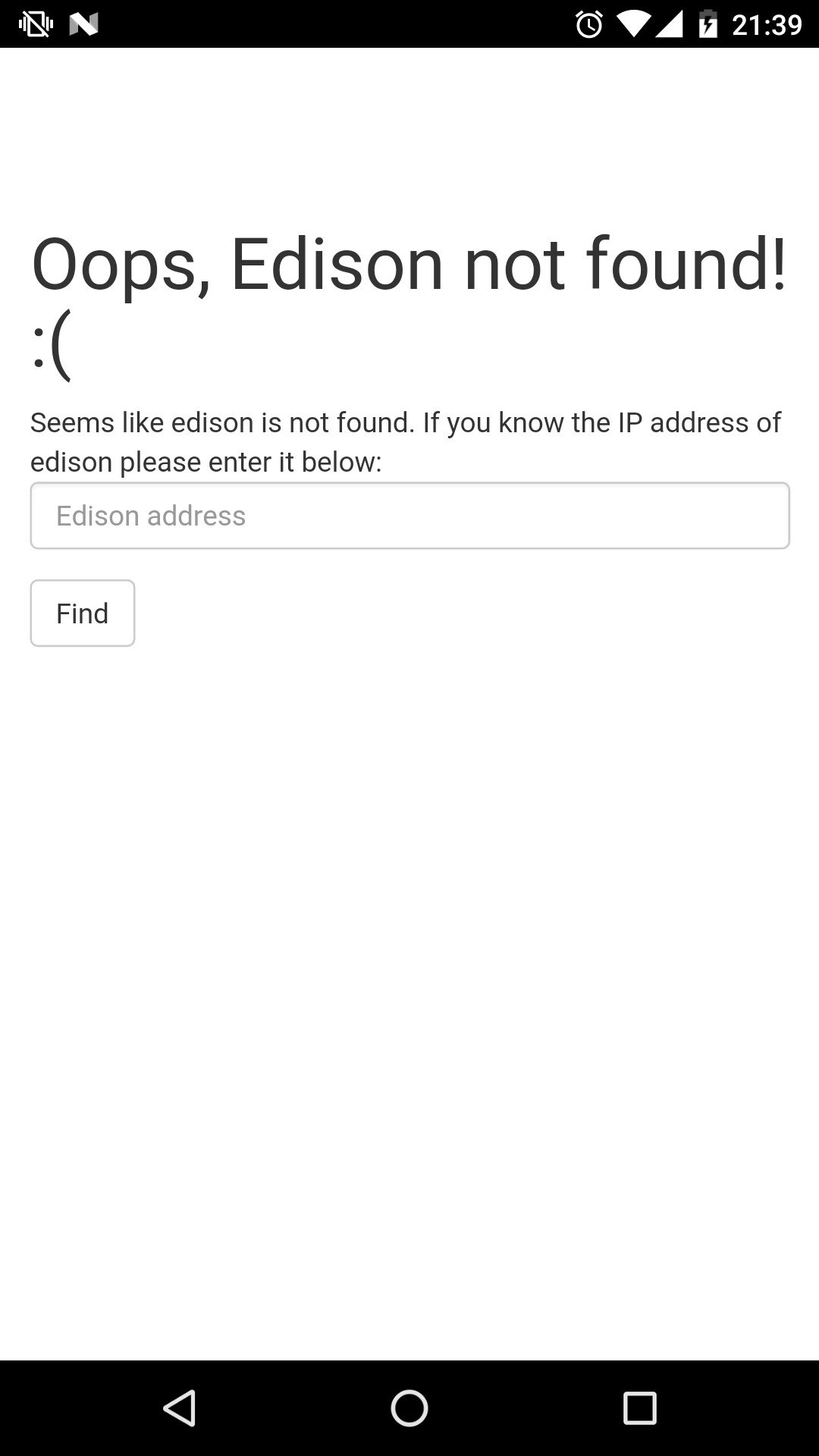
Next, register the Edison:
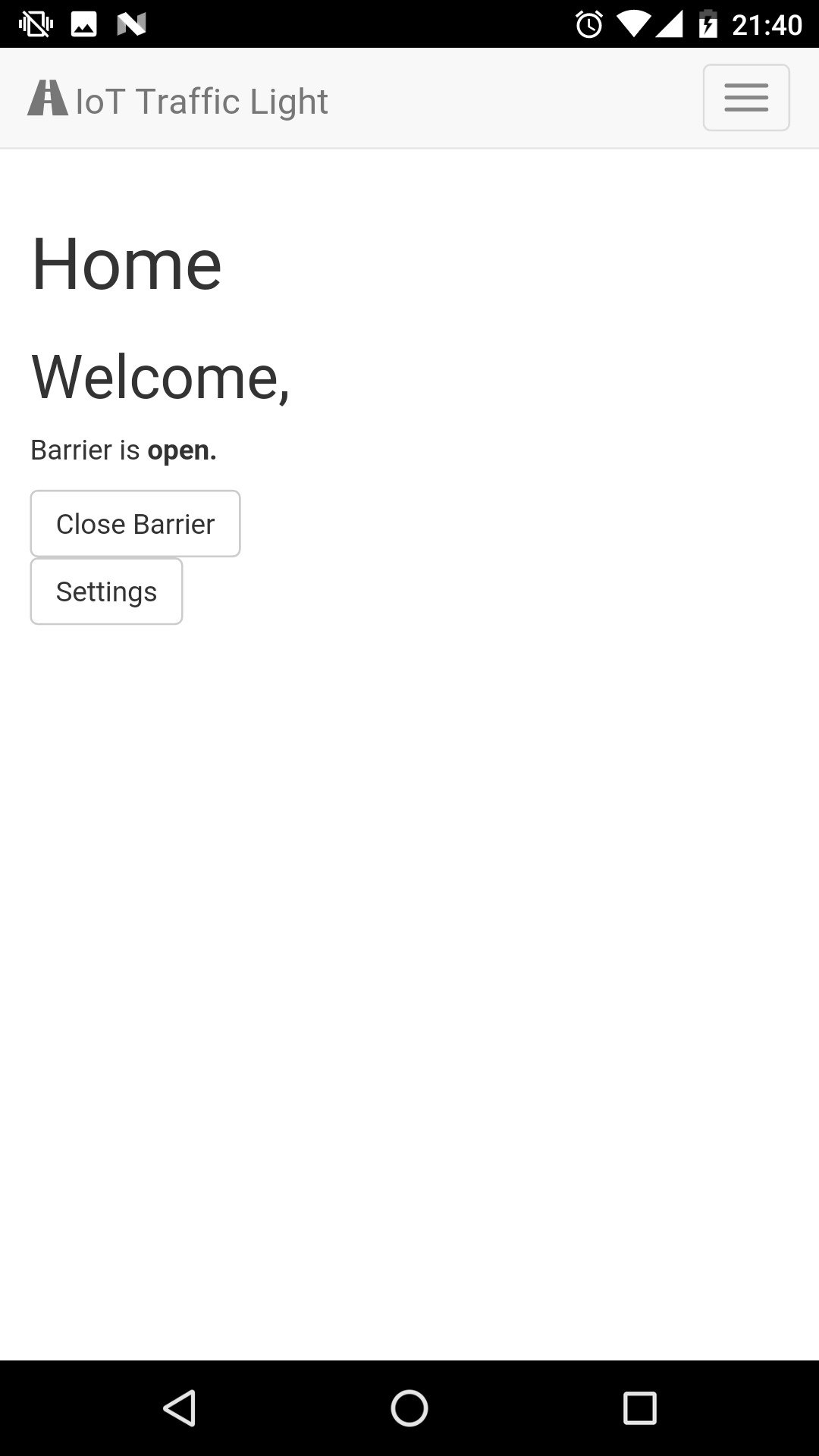
After that, you could control the system.
You can control the system through the following parameters:
Barrier state (updown)
Light duration and barrier height:
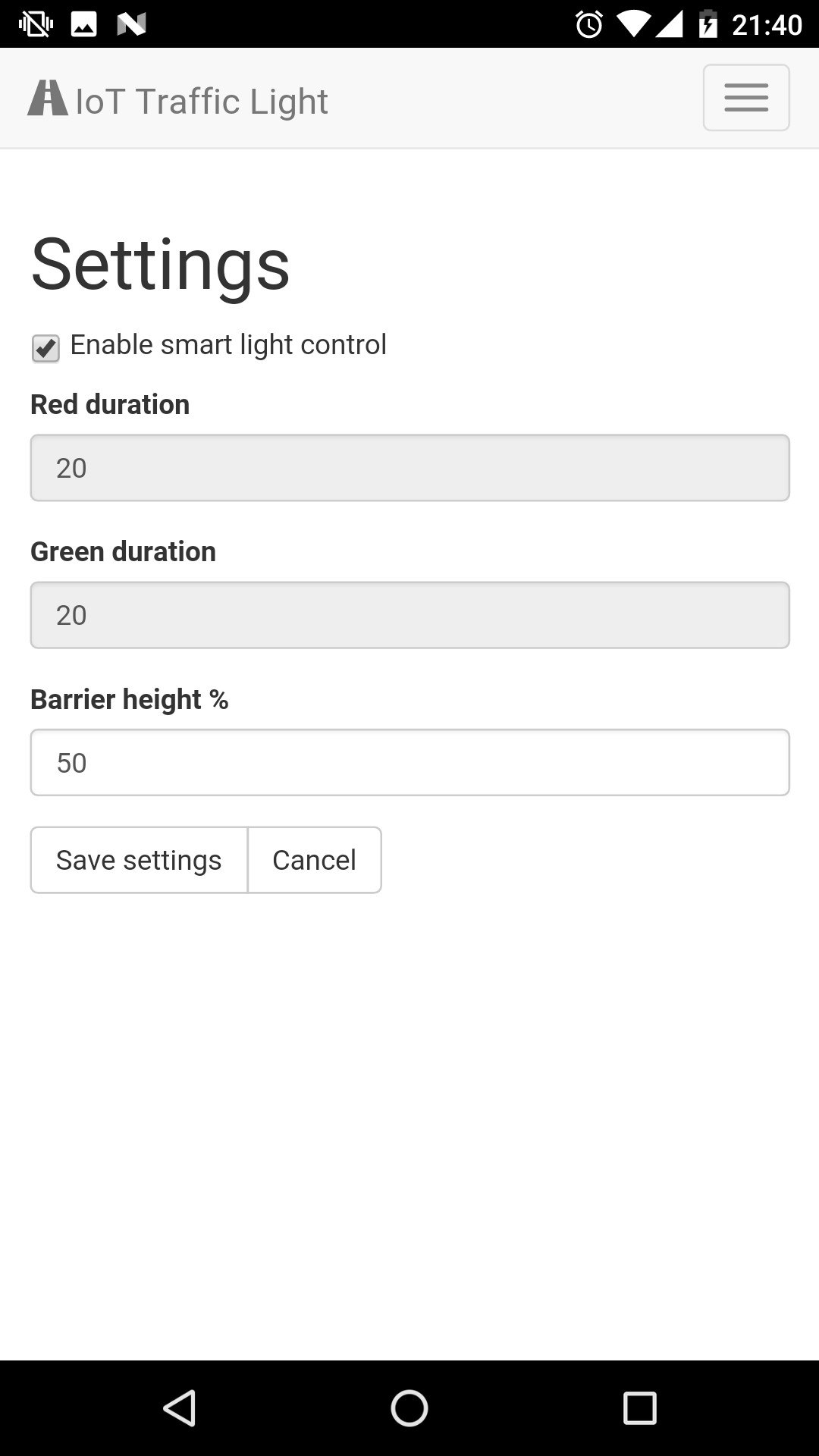
All of these parameters can be saved and pushed to the system as API requests.
Server will handle these requests and apply them to the system.